
We’ve all been there: you’ve just finished filling up your tank, you sit back in the driver’s seat, and it hits you. Are those wiper blades leaving streaks again? Didn't I just get them replaced at the quick-lube place the last time I had the oil changed?
Or maybe it’s a faint memory of the mechanic mentioning your tires were looking a little cupped and might need replacing soon. But when exactly did he tell you that? Was it three months ago or last year?
If you’re only tracking your fuel economy, you’re only getting half the picture of what it costs to keep your car on the road.
Sure, there are plenty of fuel-tracking apps out there. But what about the rest of your vehicle? That’s where Garage131 comes in.
Fast, Frictionless, and Built for the Pump
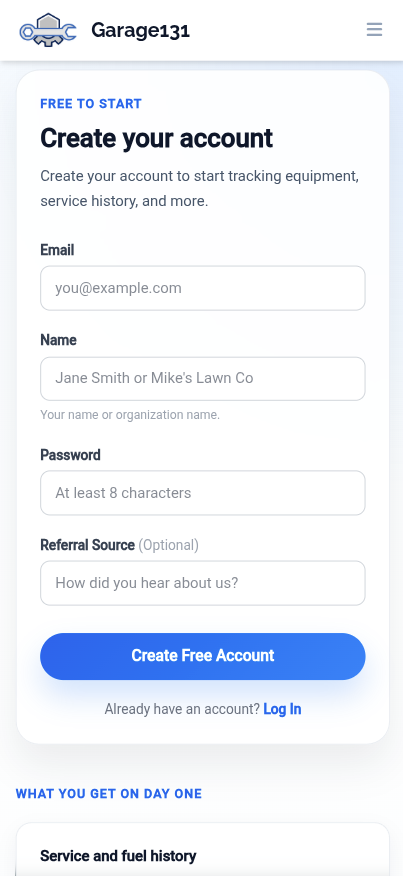
We know that the last thing you want to do while standing at a gas pump is fill out a massive questionnaire about your car’s trim level and engine displacement.
That’s why getting started with Garage131 is incredibly fast and easy:
- No hoops to jump through: There's no tedious "username" setup and no waiting around for a confirmation email to click. You just sign up and immediately start logging your data.
- No rigid forms: We don't force you into strictly typed, constricting car data fields just to get started.
- Invisible security: We keep the bots out with seamless anti-bot protection that most people won't even notice. No annoying picture puzzles required.
A Truly Mobile-First Experience
A lot of vehicle management tools feel like desktop spreadsheets crammed onto a phone screen. Garage131 features a true mobile-first design, meaning it was meticulously crafted from day one to be easily used with one hand while you’re out on the road.
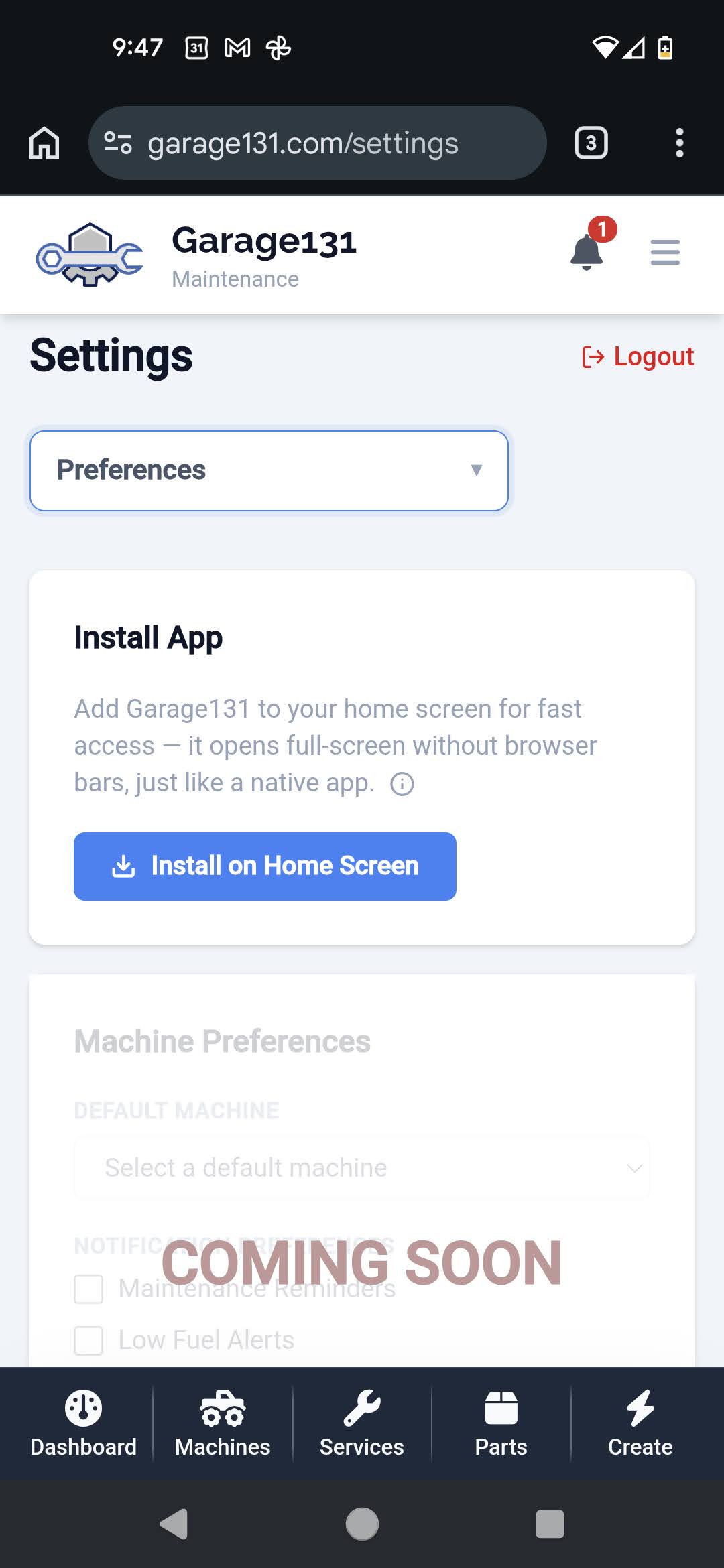
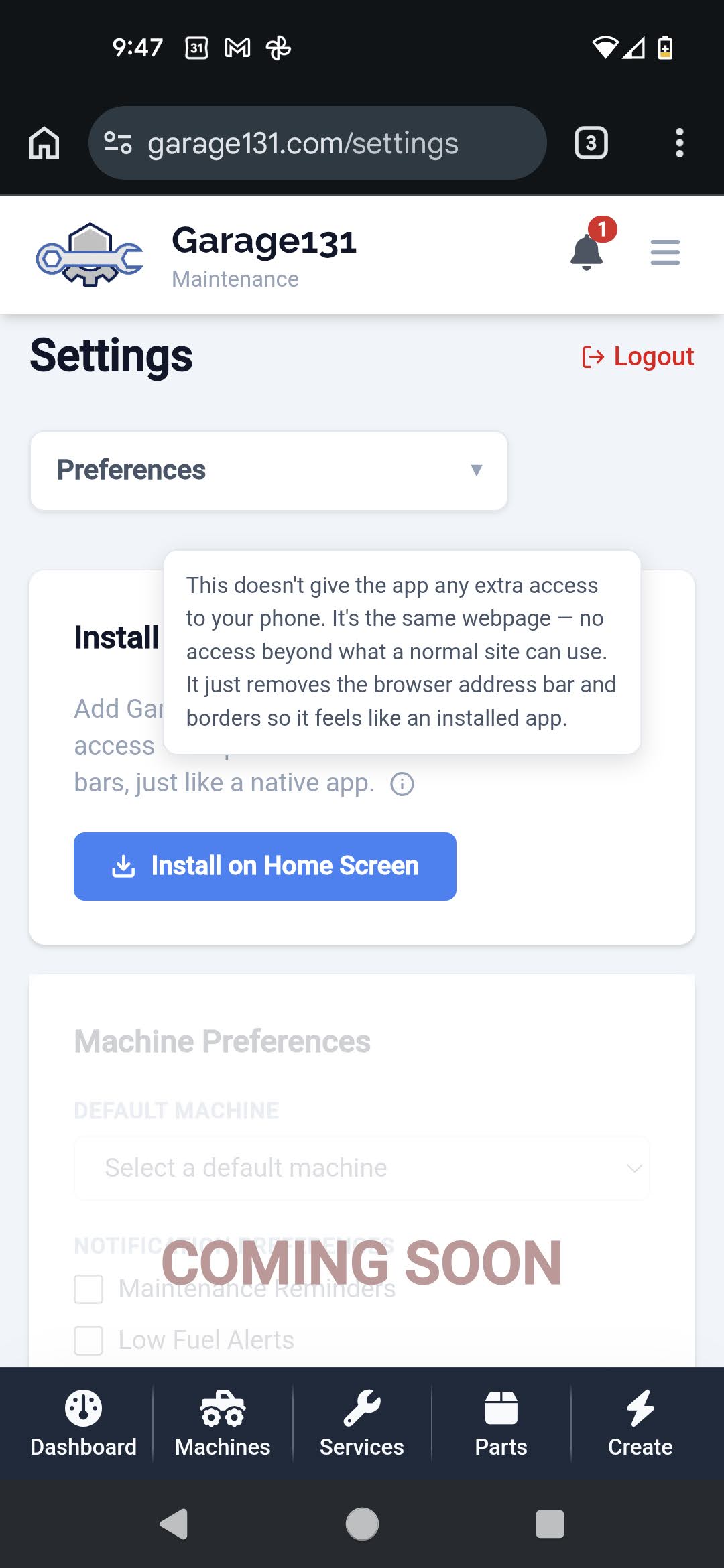
Better yet, you can install Garage131 directly to your phone's home screen just like a regular app. No searching through the app store—simply open the app menu, tap "Install App," and enjoy a fast, full-screen native experience.
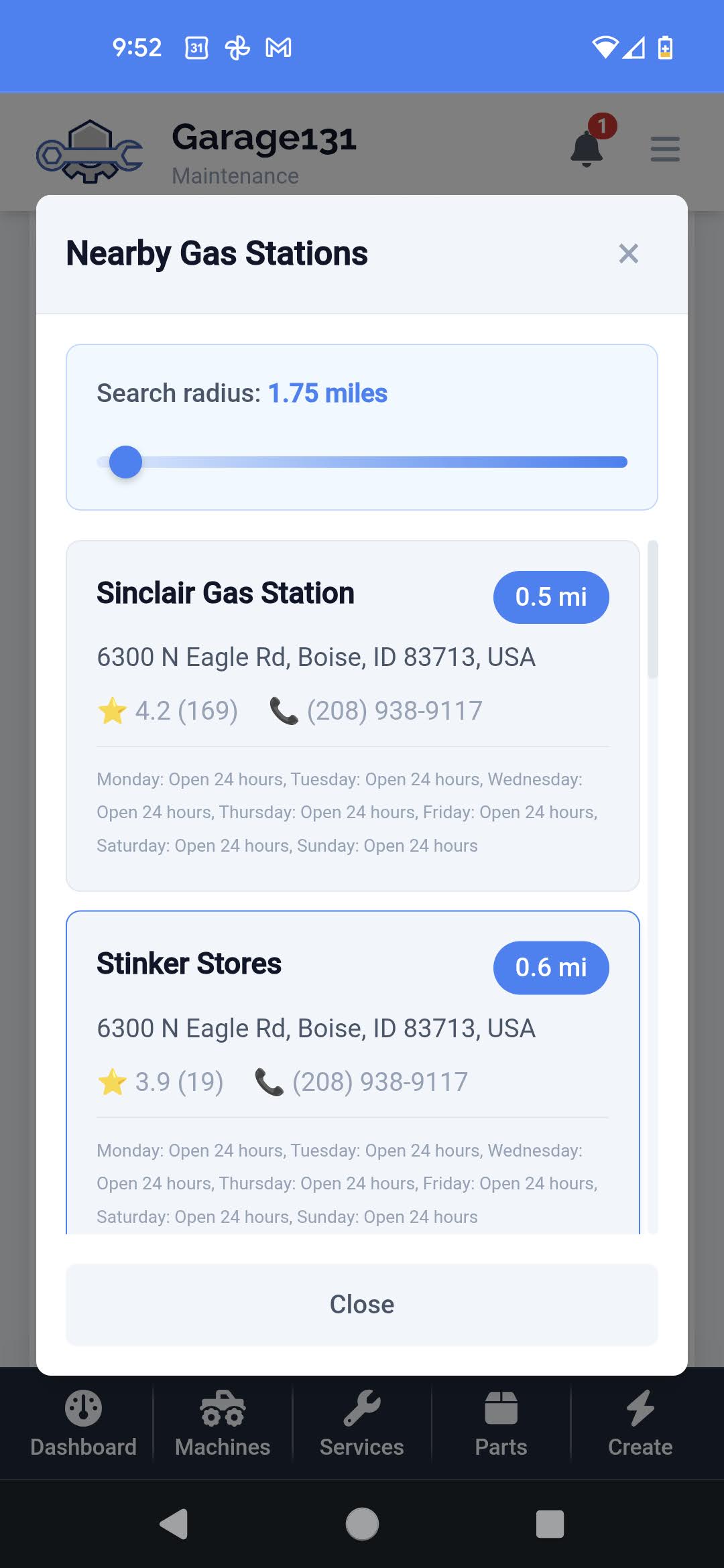
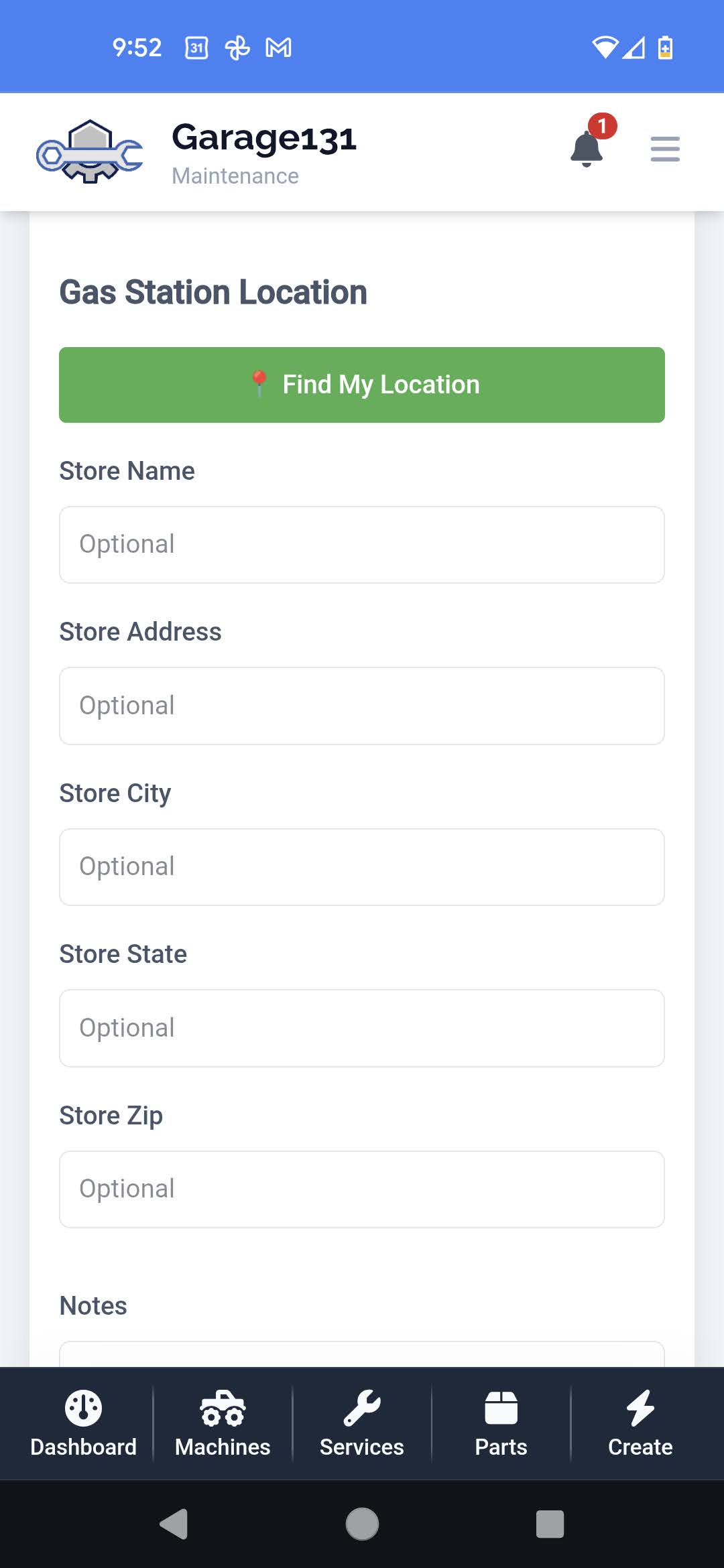
When you pull into a gas station, the app defaults to the closest station to your current location (within a customizable radius). You just enter your fuel data—you can even mark if you're using a cash-back app like Upside alongside your purchase—and you’re done.
Like Fuelly... But for Everything
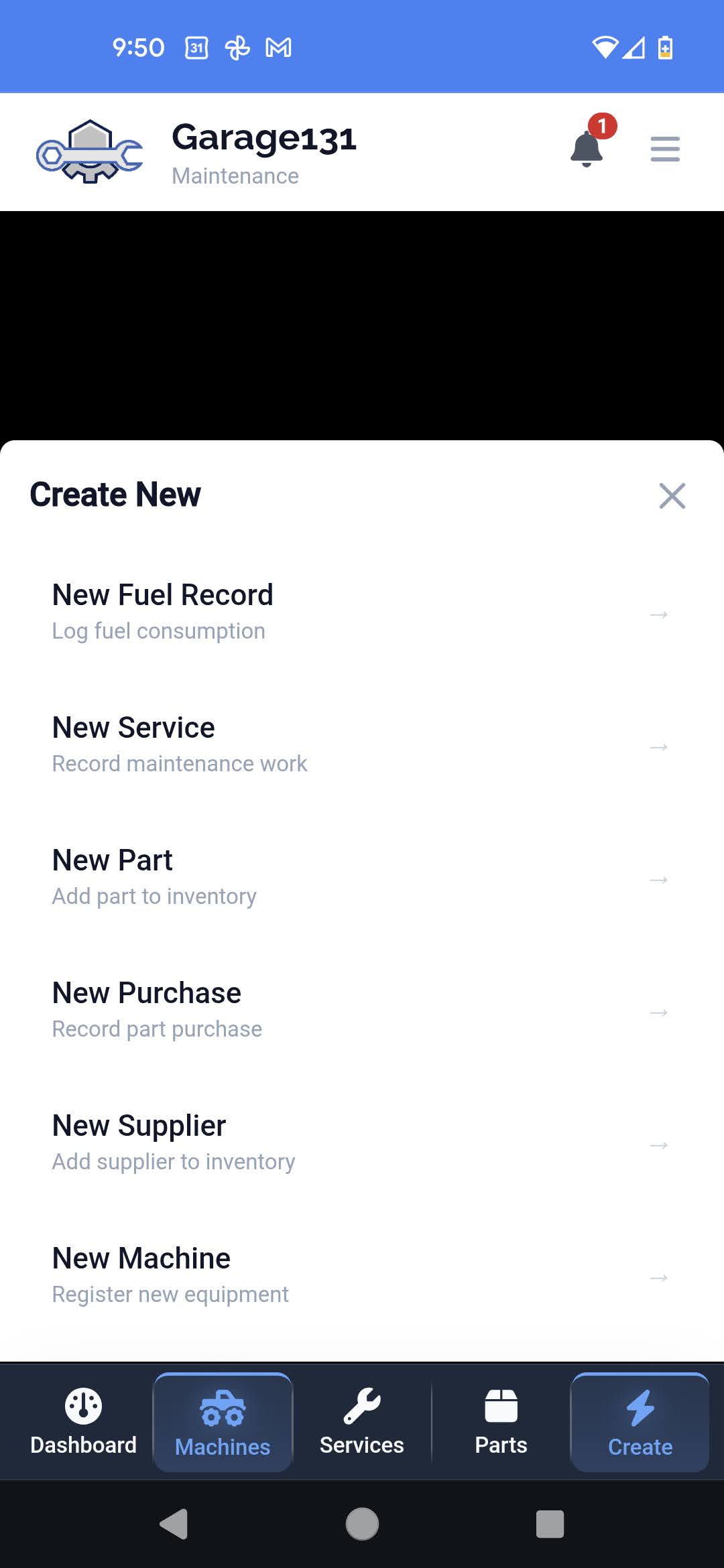
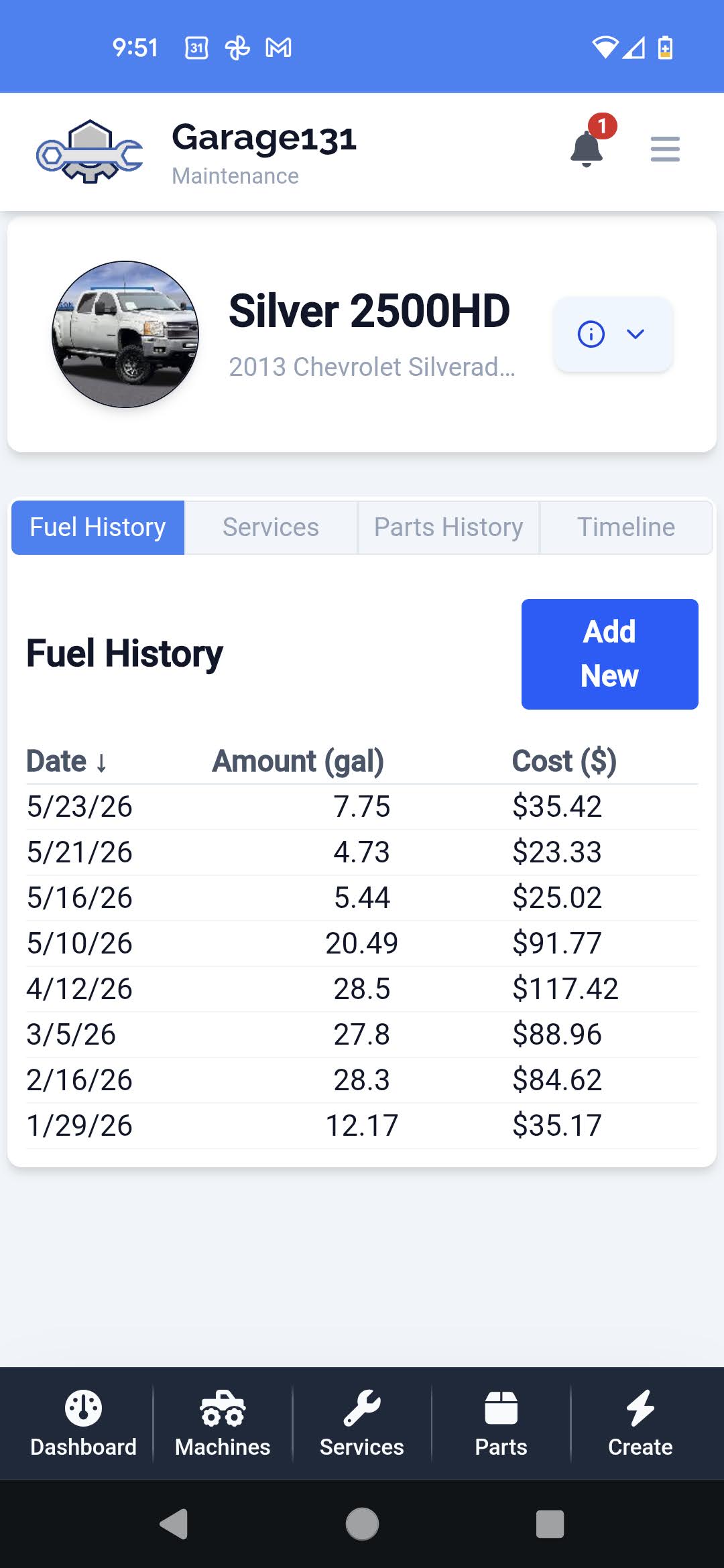
Think of Garage131 as the ultimate upgrade to your standard fuel tracker. It does everything you'd expect for tracking your MPG and fuel costs, but it also serves as your complete digital glovebox.
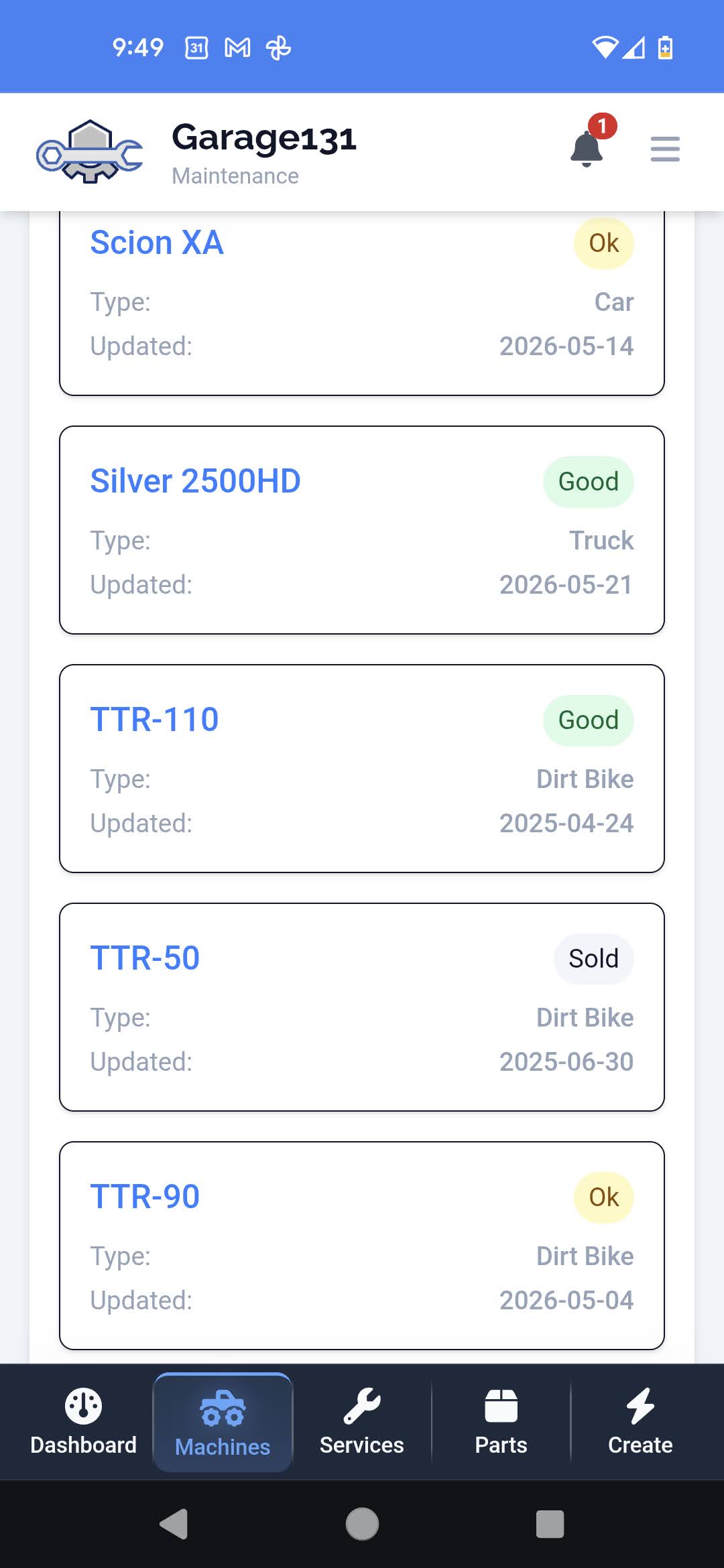
Next time you wonder when you bought those wiper blades, or if it's finally time to address those tires, the answer is already in your pocket.
Ready to make vehicle management painless? Sign up in seconds and start tracking today.